Book like a boss.
Find a barber, a clinic or a nail bar. Pick a time. Done.
Download the app
 Coming soon
 Coming soon
The store links are not live yet. Check back soon.
You see the price before you confirm.
See how it works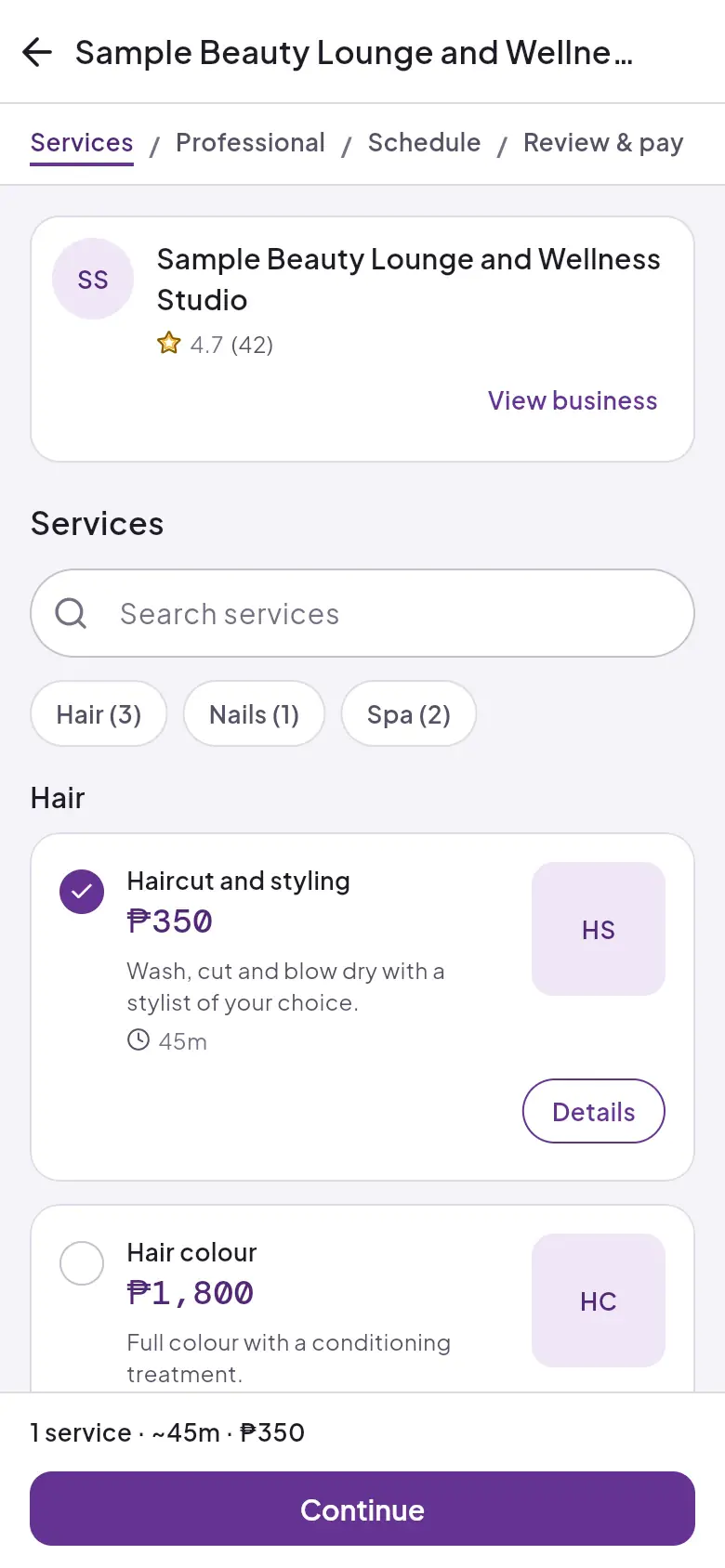
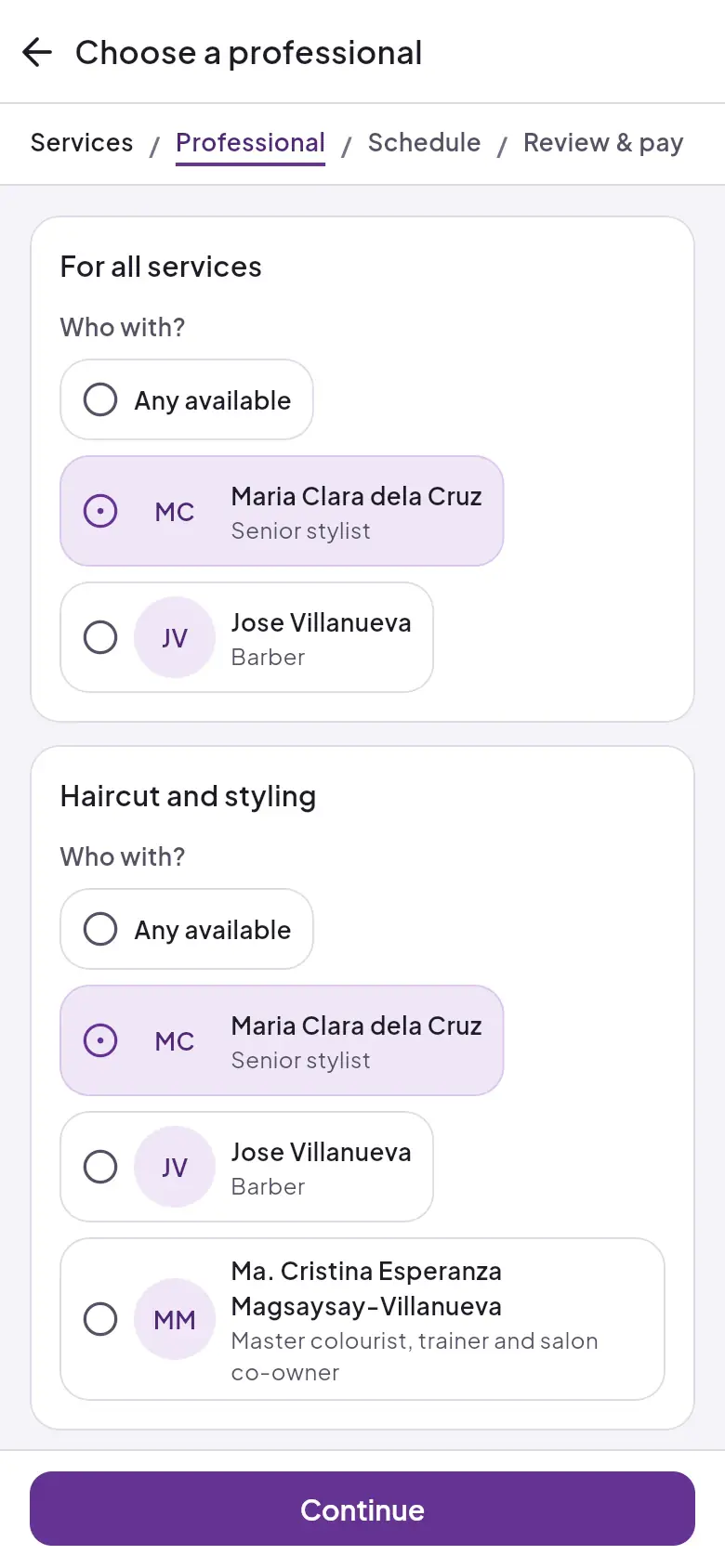
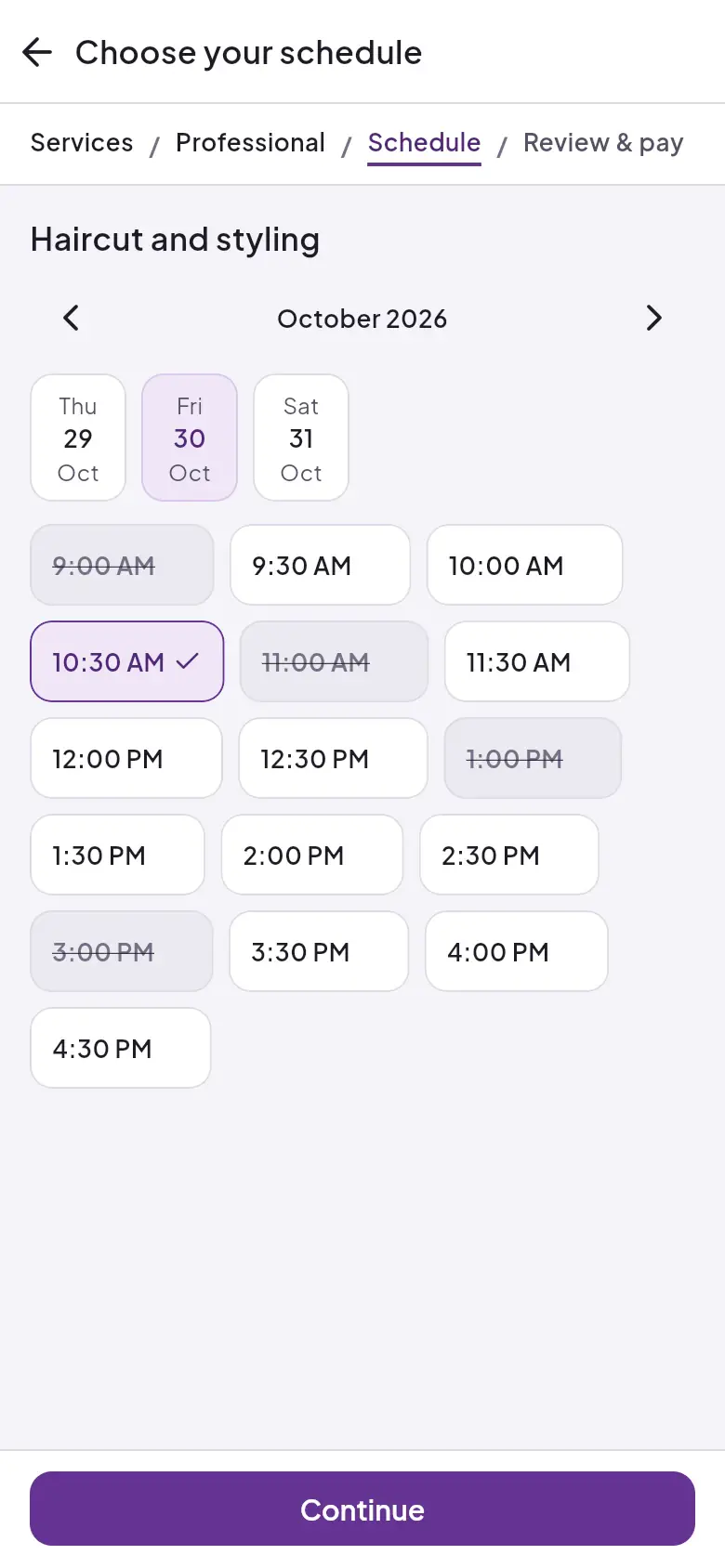
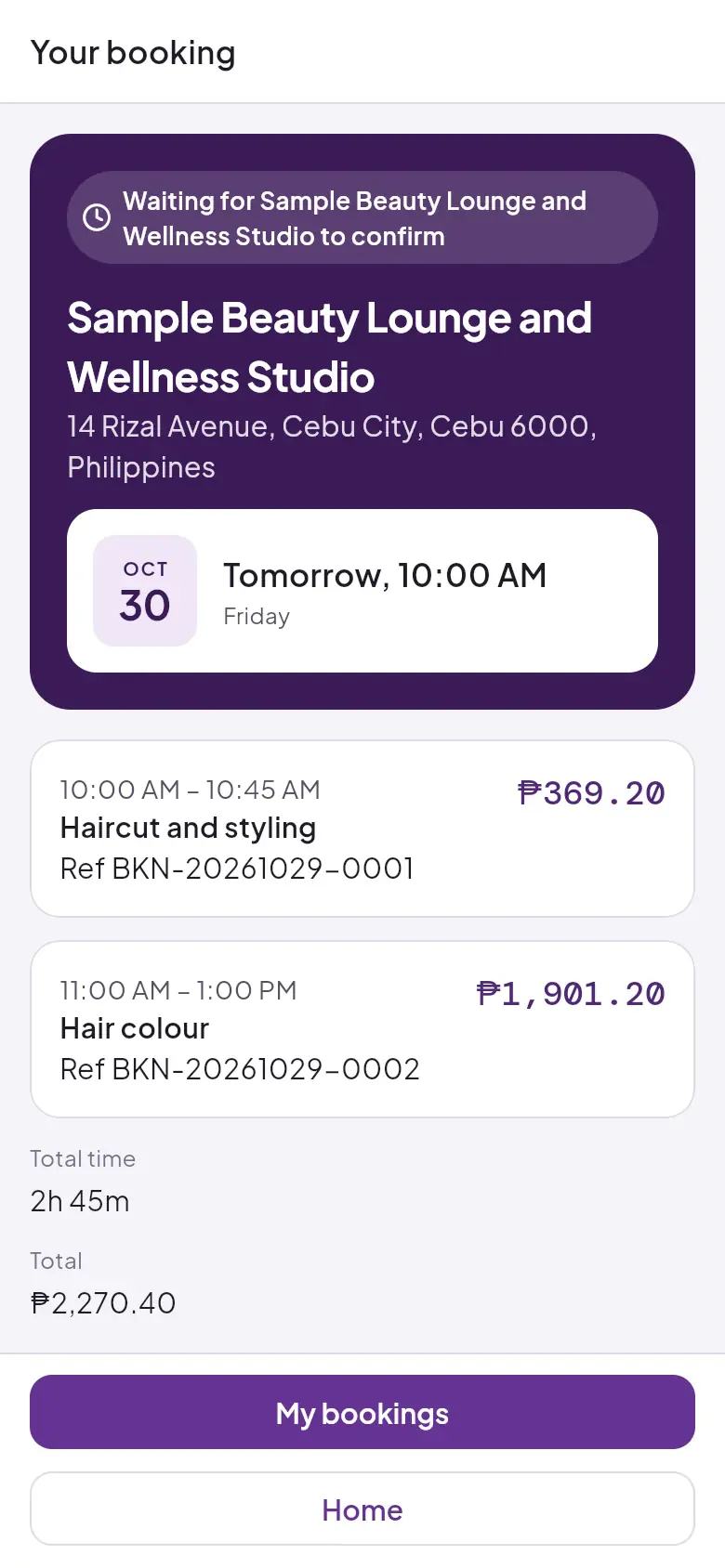
Screen 3 of 4: Choose your schedule
Real app screens with sample data. The review step is not shown.
Book almost anything local.
Search for what you need in the app and see who offers it.
- Barbering
- Hair Services
- Nail Care
- Dental Clinics
- Massage Therapy
- Gym & Personal Training
- Pet Grooming
- Car Wash & Detailing
And more: tutoring, home cleaning, repairs, photography.
Three steps. No phone calls.
-
Find
Search for what you need, or browse by type. See the services and their prices.
-
Pick a time
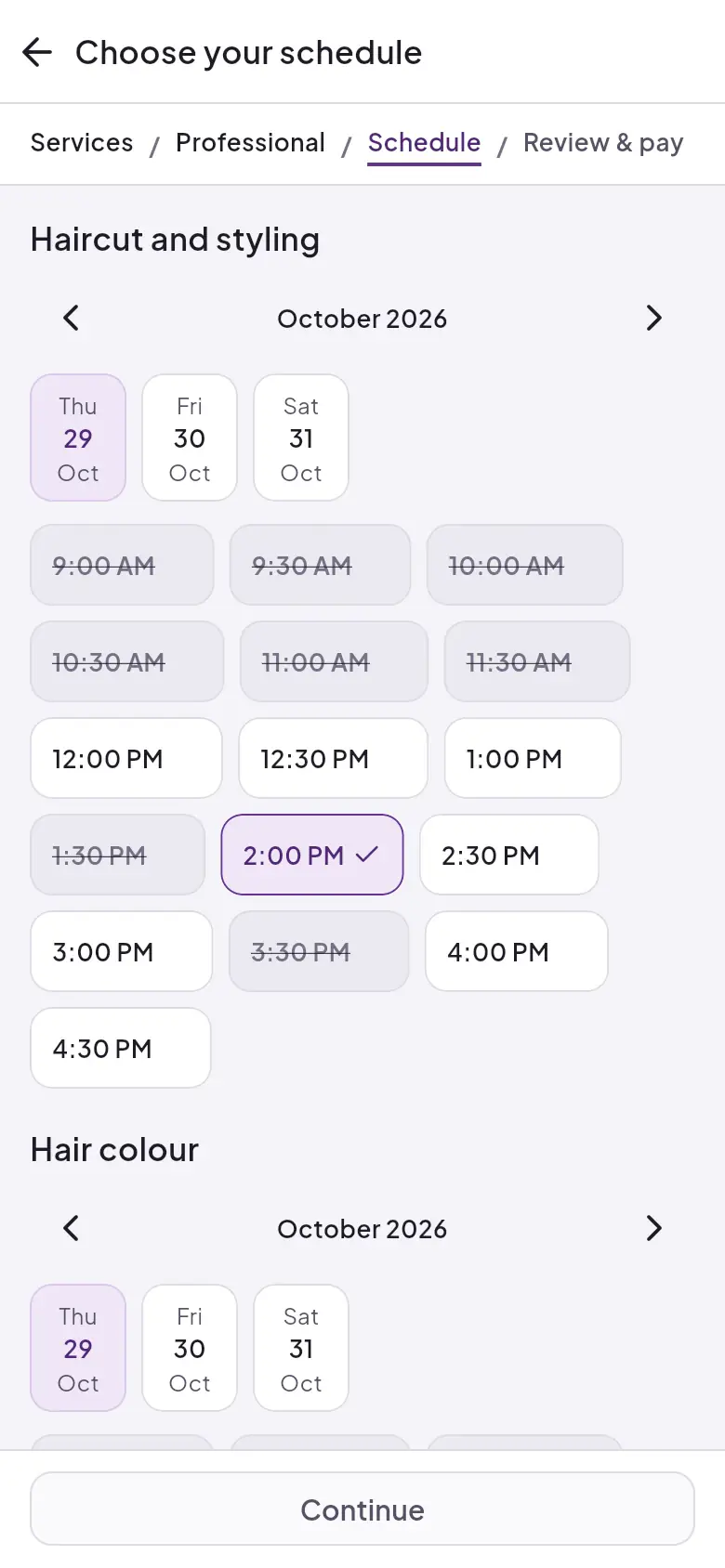
Choose your service, a day and a free time. Taken times are crossed out.
-
Get confirmed
The business confirms your time. You get a reminder a day before and an hour before.
Small things that save you a call.
See free times first.
Pick a day and you see the times that are open. Times that are taken are crossed out, so you never have to guess.
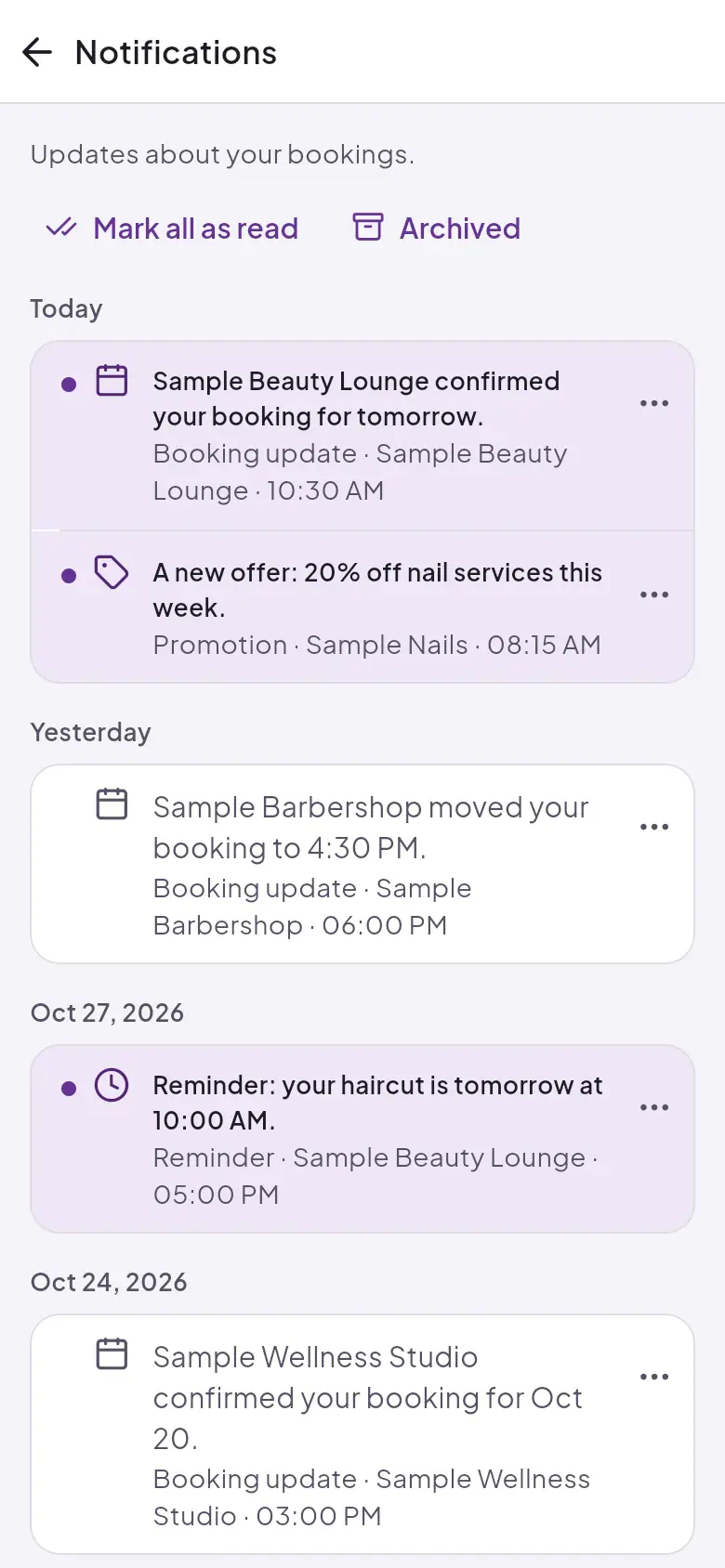
Get a reminder.
A reminder lands on your phone a day before and again an hour before. It also shows in the Notifications screen in the app. If your phone cannot be reached, we send an email.
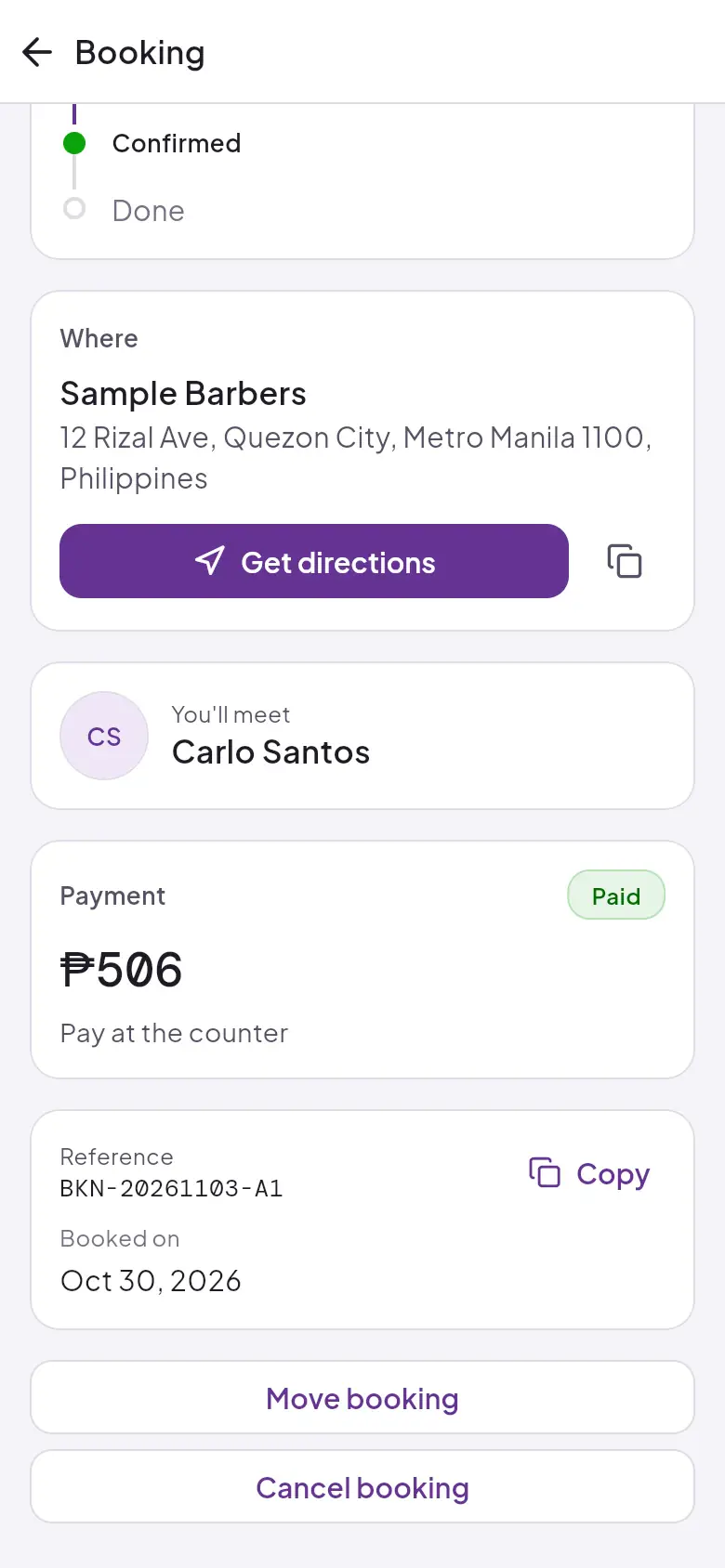
Change your plans in the app.
Open a booking to cancel it, or ask to move it. You can move a booking up to three times, as long as it starts more than 24 hours away.
See the price before you confirm.
The review screen shows what you will pay. You pay the business in person, on the day, at the shop, store or stall.
Quick answers
How do I book?
Open the app and find a business. Choose your services, then a day and a free time. Check the review screen and confirm.
Do I pay in the app?
The app does not take payment for the service. You pay the business in person, on the day of your booking. If a booking fee applies, the review screen shows it before you confirm.
Can I cancel or move a booking?
Yes. Open the booking in the app and cancel it, or ask to move it. A booking can be moved up to three times, and only if it starts more than 24 hours away. A move within 3 days of the start needs the business to say yes.
How do reminders work?
You get a reminder on your phone 24 hours before and again 1 hour before. If we cannot reach your phone, we send it by email.
Do I need an account?
Yes. You sign up with your email and confirm it with a code we send you.
My favourite shop is not on BOOKniNAM. What now?
Tell them about it. Business owners can read about BOOKniNAM for business and sign up there.
Did not find your answer? Help center Contact us
Book like a boss.
Find it. Pick a time. Done.
Download the appRun a business? See BOOKniNAM for business